FLIR Camera Phone: Smartphone Thermal Attachment Buyer Guide
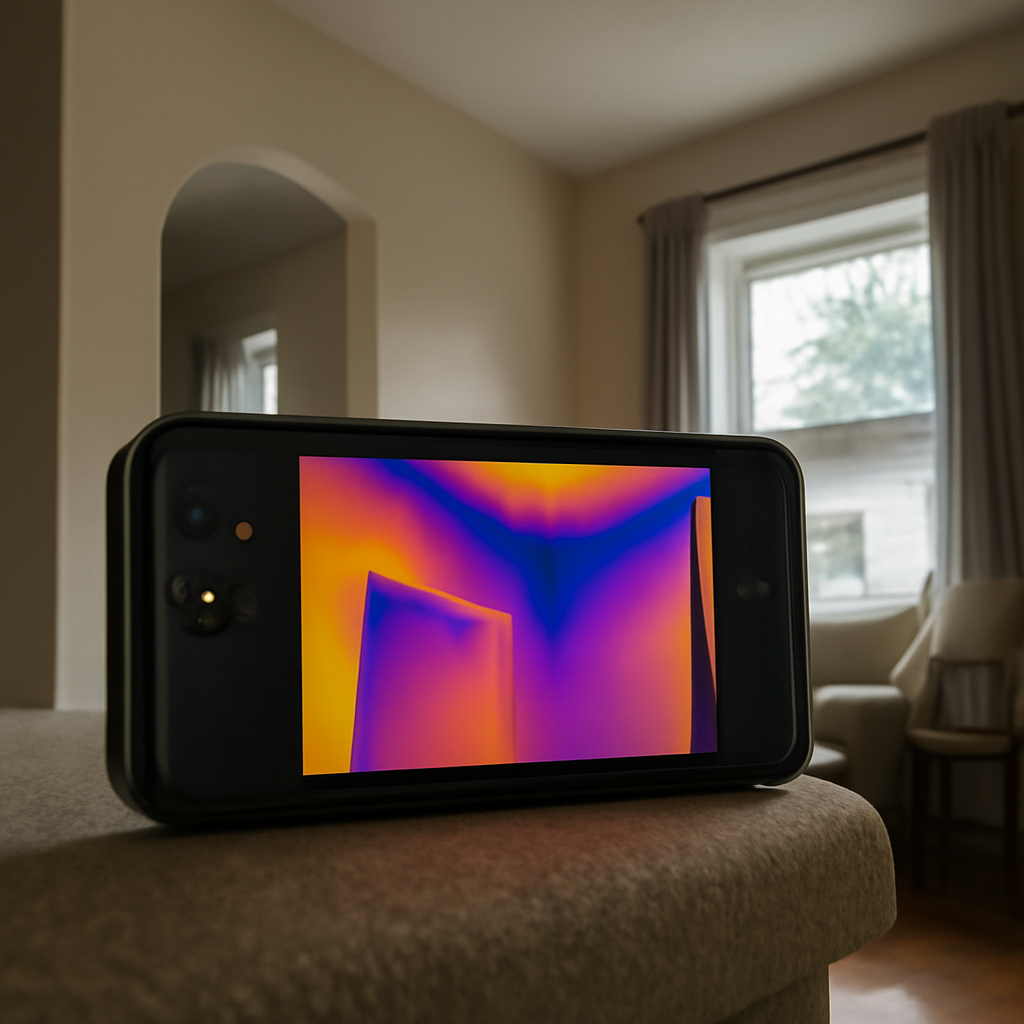
“FLIR camera phone” is a generic search term that covers both iOS and Android smartphone thermal attachments across multiple product generations. The right choice depends on your phone port, your tolerance for resolution and ergonomic compromises, and whether you’re a casual homeowner user or building a small kit for repeated diagnostic work. This guide compares the options using Department of Energy and InterNACHI guidance for context on realistic capabilities.
Part of our Thermal Imaging for Homes guide — start there for the full picture →
What a phone thermal attachment actually is
An attachment housing a microbolometer sensor that detects long-wave infrared radiation (8 to 14 microns), plugs into the phone’s port, and uses the phone’s display, processor, and storage as the imaging platform. The phone alone cannot see heat; the attachment provides the actual thermal sensing.
Why the phone alone can’t see heat
Standard smartphone camera sensors detect visible light and a small amount of near-infrared. Silicon-based sensors are transparent to long-wave infrared, so they can’t detect thermal emissions from room-temperature surfaces. No app, filter, or software update changes this hardware limit. A separate microbolometer is required.
Port compatibility by phone platform
Android phones use USB-C with USB-OTG support — the standard since around 2017. iPhone 14 and earlier use Lightning; iPhone 15 and later use USB-C. Verify your specific phone model against the attachment manufacturer’s compatibility list before purchasing — generic port labels are not enough.
Resolution tiers and their practical meaning
Three tiers cover most consumer attachments: 80×60, 160×120, and 320×240 pixels. The 80×60 tier identifies large temperature differentials at close range. The 160×120 tier is the practical floor for shareable documentation of typical residential issues. The 320×240 tier approaches entry-level professional resolution.
What homeowners can accomplish
Locate missing insulation in attic and wall cavities, find air leaks around windows and doors, identify electrical hot spots in breaker panels, trace radiant floor heating loops, and detect early-stage water damage behind drywall. All within the practical limits of mid-tier attachments at 160×120.
What phone attachments can’t reliably do
Quantitative energy audits requiring NIST-traceable calibration, deep-substrate moisture mapping, high-resolution mechanical thermography, electrical infrared surveys for commercial code compliance, and any work requiring documentation traceable to recognized standards. These need higher-resolution imagers and trained operators.
Department of Energy thermography guidance
The Department of Energy publishes guidance on infrared thermography for residential energy audits, noting thermal imagers help identify insulation gaps and air-leakage paths during controlled temperature differentials of approximately 18°F or more. Smartphone attachments meet this use case for personal home work.
InterNACHI Infrared Certified credential
InterNACHI offers an Infrared Certified credential for home inspectors who complete training on thermal imaging interpretation. The credential signals understanding of what anomalies mean, not just how to capture them. For homeowner DIY use, formal certification isn’t required; the phone-versus-handheld tradeoff guide covers interpretation considerations.
ASHRAE technical resources
ASHRAE publishes technical resources on thermography for HVAC and building envelope diagnostics. The guidance covers appropriate temperature differentials, emissivity correction, and reporting format. While depth applies primarily to commercial work, the underlying physics applies to residential thermography.
App workflow on each platform
Each attachment ships with a manufacturer-specific app for iOS or Android. Apps handle live view, capture, palette selection, and basic analysis. App quality varies; check recent App Store or Google Play reviews for stability with your operating system version before purchasing.
Battery considerations
Thermal sensors draw 200 to 500 mA during active scanning, reducing phone battery by 20 to 40 percent per hour. Carry a battery pack for extended sessions, or choose an attachment with an integrated internal battery. Heavy users may prefer the integrated-battery models.
Calibration and accuracy
Consumer-grade phone attachments typically claim ±2°C or ±2 percent of reading absolute accuracy. This supports relative temperature comparison reliably (find the cold spot, locate the hot wire) but not absolute measurements requiring NIST-traceable calibration. Professional handheld imagers carry documented annual recalibration.
Pricing context in 2026
Entry-tier 80×60 attachments: $200 to $300. Mid-tier 160×120: $350 to $500. Pro-tier 320×240: $600 to $900. Standalone handheld professional imagers: $1,000 entry to $10,000+ for high-resolution units used in commercial thermography. Smartphone attachments deliver high value at the consumer price point.
Tradeoffs versus a handheld imager
Phone attachments win on portability and price. Handheld imagers win on resolution, dynamic range, optical zoom, ergonomics during long surveys, integrated laser pointer, and battery life. For professional work, handheld units produce materially better deliverable images. For personal home use, phone attachments are sufficient. The home inspection tools hub covers this tradeoff across the buyer spectrum.
Common use cases for Front Range homeowners
Pre-winter attic insulation surveys, basement rim-joist air-sealing audits, electrical panel checks for warm breakers, radiant floor heating diagnostics, and frozen pipe location during cold snaps. Colorado’s wide diurnal temperature swings make thermal imaging particularly useful for envelope work and HVAC troubleshooting.
iPhone-specific considerations
iOS updates occasionally introduce compatibility breaks for accessory apps. Check whether the manufacturer’s app has been updated for your iOS version before purchasing. Older iPhones running outdated iOS may be incompatible with current attachments even if the port matches physically.
Android-specific considerations
USB-OTG support varies by manufacturer. Some phones disable specific power modes by default. The attachment manufacturer’s compatibility list is authoritative; verify your exact phone model rather than trusting generic “USB-C compatible” claims.
When to upgrade to a handheld imager
Sustained professional use, energy audits requiring rebate documentation, electrical infrared surveys for commercial code compliance, mold investigations requiring detailed moisture mapping, and any thermography intended for legal documentation justify a handheld unit with documented calibration.
Emissivity and the materials you actually image
Painted drywall, brick, wood, and most paper have high emissivity near 0.95 — the default in most apps. Polished metals (aluminum, stainless, copper) have emissivity below 0.10 and require adjustment. Imaging a breaker-panel busbar without adjusting emissivity produces misleading temperature numbers. Most attachment apps include a per-capture emissivity slider.
Reflected temperature and how it affects images
Surfaces reflect thermal radiation from nearby objects, including the user’s own body heat. Move to a different angle, shield with a cooler surface, or note reflections in the image annotation. Failing to account for reflection produces “hot spots” that aren’t actually hot.
Frame rate and bandwidth limits
USB-port bandwidth typically limits attachments to 8 or 9 frames per second, below the 60 Hz of professional handheld imagers. Holding the phone steady for half a second before capturing avoids motion blur. A small tripod helps for documentation work.
Image storage management
Each thermal capture is roughly 200 KB to 1 MB. A multi-room survey can produce hundreds of images. Export captures to cloud storage regularly to avoid filling phone storage and to back up documentation in case of phone loss or app reinstall.
Cross-checking thermal findings with other tools
A cool spot on thermal might be air leakage, missing insulation, or moisture. Confirm with a moisture meter (wet versus dry), a smoke pencil (air movement), or a probe-style temperature sensor. Single-tool diagnosis produces false positives; combined-tool diagnosis is far more reliable.
How temperature differential drives image utility
Thermal imaging shows differences in temperature, not absolute conditions. The Department of Energy recommends an interior-exterior differential of approximately 18°F for residential surveys. Front Range winters routinely exceed this naturally. In moderate weather, running HVAC for an hour can create the needed differential artificially.
How attachment lifespan compares to phone lifespan
Phones typically get replaced every two to four years. Thermal attachments often outlast phones, but port standards change (Lightning to USB-C on iPhones, Micro-USB to USB-C on Android) over the same period. When upgrading phones, verify the attachment remains compatible — sometimes it does, sometimes you also need to upgrade the attachment.
Buying used thermal attachments
The used market for smartphone thermal attachments is active. Verify that the seller’s phone matches yours in port and OS version, confirm the original manufacturer’s app still functions on current OS, and request photos of the lens condition. Lens damage is the most common reason for used-attachment problems.
How to integrate thermal imaging into a home maintenance routine
Annual fall thermal survey of attic insulation, spring survey of crawl spaces for moisture, periodic electrical panel scans for warm breakers, and post-storm exterior surveys to identify roof or wall issues. Quarterly use over multiple years builds familiarity with normal patterns and makes anomalies easier to spot.
How to interpret cool spots that don’t indicate problems
Some cool spots are normal: ceramic tile floors will read cooler than nearby carpet, exterior corners often show thermal bridging, plumbing pipes through walls show as linear cool patterns. Building familiarity with normal patterns reduces false alarms. The Department of Energy’s thermography guidance covers common patterns.
Limitations specific to high-altitude operation
Front Range operation at altitudes from 5,000 to 9,000 feet doesn’t significantly affect microbolometer performance, but it does affect HVAC sizing assumptions used in interpreting building thermal patterns. Calculations and reference standards based on sea-level conditions may need adjustment for altitude. Professional thermographers familiar with the region account for this.
How to interpret seasonal thermal patterns in homes
Winter heating creates strong indoor-outdoor differentials that highlight envelope leaks. Summer cooling produces similar patterns in reverse — interior surfaces show cooler than exterior. Spring and fall shoulder seasons offer weaker differentials and require either HVAC operation or patience. The best diagnostic conditions are not the same as the most comfortable weather.
Practical tips for capturing useful first images
Move slowly through rooms, hold the phone level, pause at suspect features for a full second before capturing, and take both thermal and visible-light pairs. Review captures immediately to identify whether the image actually showed what you intended. First-session captures often need do-overs; planning for repeated passes saves frustration.
How to weigh manufacturer reputation across phone platforms
Several manufacturers compete in the smartphone thermal attachment market. Different brands have varying track records on app support longevity, sensor quality consistency, and customer service. Research the manufacturer’s history beyond the current product before committing — yesterday’s market leader sometimes becomes today’s abandoned product line.
How to call a professional thermographer
Look for inspectors holding InterNACHI Infrared Certified, ASNT NDT Level I or II in infrared, or ITC certification. Verify the imager being used has documented annual calibration. Request sample reports from previous work to evaluate documentation quality before committing.
References
- ENERGY STAR: Seal and Insulate — U.S. Environmental Protection Agency (ENERGY STAR)
- InterNACHI Infrared Certified credential — International Association of Certified Home Inspectors
- ASHRAE technical resources on building thermography — American Society of Heating, Refrigerating and Air-Conditioning Engineers
Frequently asked questions
Can my regular phone camera see heat?
No. Standard smartphone sensors detect visible light and a small amount of near-infrared. They cannot detect long-wave thermal emissions. A separate attachment with a microbolometer sensor is required for thermal imaging.
Which is better, iPhone or Android for thermal imaging?
Both platforms have capable attachments at similar resolution tiers. The choice depends more on which phone you already own. Match the attachment to your phone's port (Lightning, Android USB-C, or iPhone USB-C) and verify compatibility with the manufacturer's list.
How much should I spend?
Mid-tier 160×120 attachments at $350 to $500 hit the sweet spot for most homeowner use. Entry-tier 80×60 is limiting; pro-tier 320×240 is significantly more expensive without comparable everyday utility for most users.
Can I use one for an insurance claim or rebate audit?
Personal documentation is fine for your own use. For utility rebate audits, insurance documentation, or commercial reports, a certified energy auditor's handheld imager with documented calibration is typically required.
If you’re choosing between a smartphone attachment and a certified thermographer for a Front Range project, reach out through our contact page.
Thermal imaging cameras
Infrared cameras reveal hidden moisture, missing insulation, and air leaks. Phone-attachment models are the budget entry point; standalone units have higher resolution.
| Product | Why | Buy |
|---|---|---|
 FLIR ONE Pro (phone) FLIR ONE Pro (phone) | Plugs into iPhone/Android; inspector favorite. | Amazon — $349.00 |
 Topdon TC001 Topdon TC001 | High-res phone module at a low price. | Amazon — $262.99 |
 FLIR C5 Compact FLIR C5 Compact | Standalone pocket camera with Wi-Fi. | Amazon — $649.00 |