Isee Thermal Camera: What Homeowners Need to Know
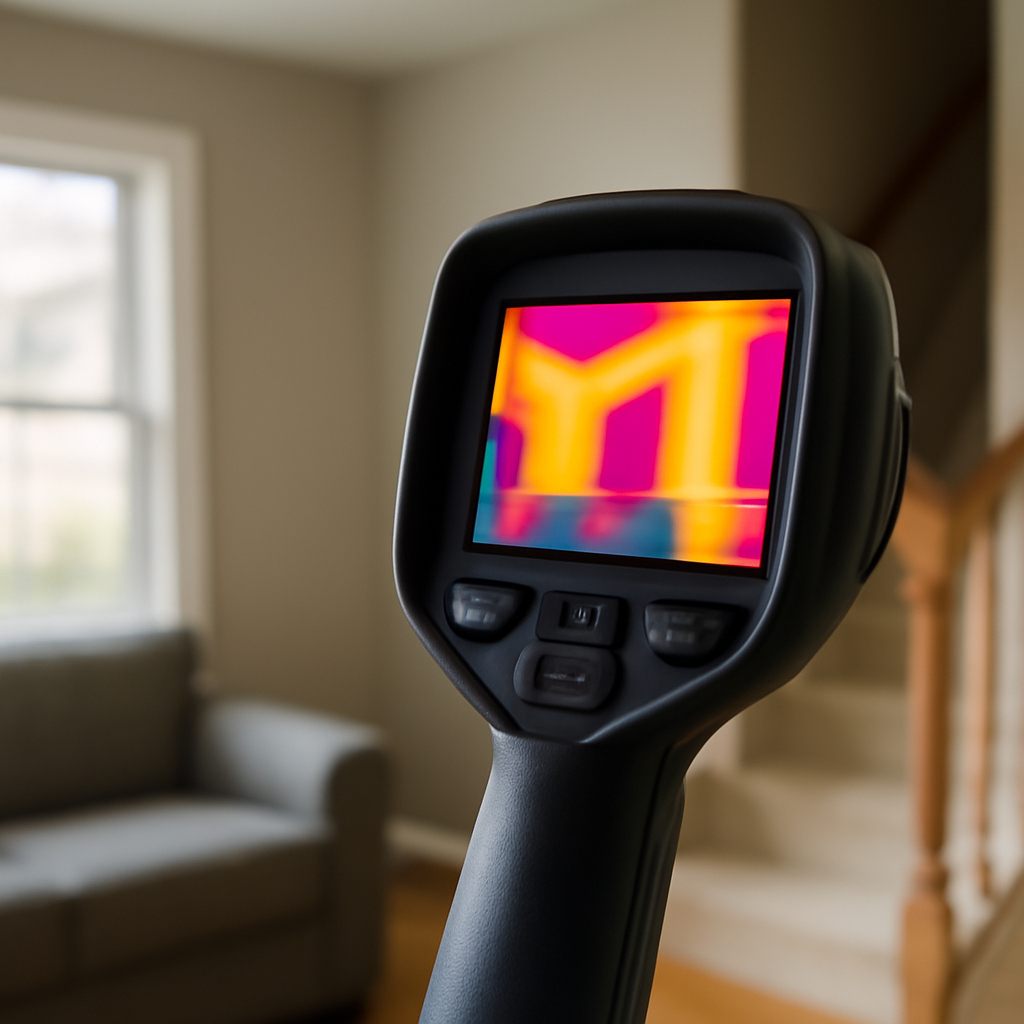
Isee thermal camera, more correctly spelled “iSee,” is Fluke’s branded product line for phone-companion thermal imaging. The iSee designation covers four current models — the TC450, TC550, TC600, and TC900 PRO — each of which pairs with a smartphone via the Fluke Connect application over Bluetooth Low Energy 5.0. This article walks through what the iSee line includes, how IR-Fusion picture-in-picture technology distinguishes these cameras, and how the iSee positioning differs from Fluke’s traditional Ti-series of standalone professional thermal cameras. Citations reference Department of Energy thermography practice, ASHRAE HVAC infrared standards, and InterNACHI infrared certification — not manufacturer documentation.
Part of our Thermal Imaging for Homes guide — start there for the full picture →
Isee thermal camera — what the product line includes
The Fluke iSee line, as currently positioned, contains four models. The TC450 is the entry-level model with 256×192 native infrared resolution, basic still-image capture, and IR-Fusion picture-in-picture overlay. The TC550 raises resolution to 320×240 and adds enhanced IR-Fusion blending controls. The TC600 increases resolution further and adds infrared video recording. The TC900 PRO, the top-tier model, includes the highest resolution in the line, full IR-Fusion video, voice-annotation features, and laser distance measurement for area scaling in reports.
All four cameras share a common phone-companion architecture. Each pairs with the Fluke Connect application on Android and iOS. Each supports the same cloud-storage and report-generation workflows. Each uses the same Bluetooth Low Energy 5.0 connection. The differences between the four models are in optical performance, capture format depth, and field-feature additions — not in how they connect to phones.
Buyers considering the iSee line should evaluate use case before model. Occasional home thermal scans run fine on the TC450. Working inspectors handling 10-20 jobs per week typically need the TC600 or TC900 PRO for image quality that holds up in client reports. The TC550 sits between as a competent mid-tier for landlords, investors, and small-volume inspection businesses.
IR-Fusion picture-in-picture: the iSee distinguishing technology
IR-Fusion is Fluke’s branded picture-in-picture overlay system that distinguishes the iSee line. The camera captures a visible-light photograph and a thermal image simultaneously through dual sensors, then blends the two at user-selectable opacity. The result is a hybrid image where thermal anomalies appear in heat-map colors against a recognizable visible-light context.
The technology serves a specific reporting purpose. Pure thermal images can be hard for non-technical readers to interpret without context. A glowing rectangle could be anything — a hot pipe, a heat lamp, or a sun-warmed wall. The same image with 30% thermal opacity over the visible-light photograph shows the rectangle in heat-map color against the recognizable cabinet, fixture, or wall it actually represents. Clients understand the second image immediately; the first requires explanation.
IR-Fusion opacity is adjustable from 0% (full visible-light photograph) to 100% (pure thermal image) with intermediate blends typically used at 30-60% for inspection reports. The TC900 PRO adds IR-Fusion video, where the opacity adjustment can change during a recorded sequence — useful for walk-through narration during real-time client viewing.
How iSee differs from the traditional Fluke Ti-series
Fluke’s traditional thermal camera line, the Ti-series, includes models like the Ti300, Ti401, and Ti450. These are full standalone professional cameras with no phone-companion architecture — they capture, store, and report from the device itself, typically via SD card transfer to a desktop computer. The Ti-series targets industrial inspectors, predictive maintenance technicians, and engineering applications where the cameras are used by trained professionals at extended shift durations.
The iSee line takes a different approach. The cameras are designed for shorter inspection cycles (residential and light-commercial work), with cloud-connected reporting through phones rather than desktop workflows. iSee cameras are smaller and lighter than Ti-series equivalents, and they prioritize ease of use in the field over the deep parameter adjustments the Ti-series exposes for professional users.
Buyers should select between iSee and Ti-series based on use case, not just price. A residential inspector running 15 jobs per week benefits from iSee’s cloud reporting more than from the Ti-series’ deeper measurement options. An industrial predictive-maintenance technician inspecting motor bearings and switchgear benefits from the Ti-series’ measurement precision and adjustability more than from cloud reporting workflows.
Phone-companion workflow with Fluke Connect
The phone-companion workflow centers on the Fluke Connect application, which streams imagery from any iSee camera to the connected phone in real time. The app handles three core tasks: live preview during capture, organized storage of captured imagery by job and location, and report generation with annotations.
Bluetooth pairing happens once during initial setup and re-establishes automatically when both devices are powered. Image streaming is useful for showing a homeowner a finding in real time during the walk-through — the inspector points the iSee camera at a wall, the homeowner sees the thermal image on the phone screen, and the conversation happens around the actual finding rather than around abstract explanation.
Reports generated in the app export as PDF with company branding, observation notes, and severity assessments embedded. For working inspectors, the app-to-cloud workflow saves significant office time compared to manual image transfer and desktop report assembly. The home inspection tools buyer guide covers how the Fluke Connect workflow compares against other phone-companion thermal camera ecosystems.
Resolution comparison across the four iSee tiers
Native infrared resolution is the most commonly cited specification when comparing thermal cameras. The TC450 at 256×192 produces images with about 49,000 native thermal pixels. The TC550 at 320×240 produces about 77,000. Higher TC600 and TC900 PRO models extend further. Higher resolution allows smaller features to be distinguished thermally and produces clearer images for reports.
For homeowner use, 256×192 native is generally adequate. Identifying air leaks, moisture areas, and overheated electrical components does not require professional-grade resolution. For inspection report use, 320×240 or higher produces images that hold up to client scrutiny and reproduce well in PDF reports.
Resolution alone does not predict image quality. Thermal sensitivity (measured as Noise Equivalent Temperature Difference, or NETD, in millikelvins), lens optical quality, image processing, and IR-Fusion blending all contribute to final image quality. The iSee line’s image processing and IR-Fusion implementation are consistent across tiers; the differences are primarily in raw sensor resolution and feature depth.
Comparison shopping among phone-companion thermal cameras
The iSee line is not the only phone-companion thermal camera category. FLIR ONE Pro takes the accessory approach, plugging directly into phone connectors. Seek Thermal CompactPRO follows the same accessory pattern. Hikmicro and InfiRay offer Chinese-market alternatives at lower price points with smaller English-language support communities. The iSee line sits at the standalone-plus-Bluetooth side of the category.
For working inspectors, the standalone-plus-Bluetooth architecture provides durability and ergonomic advantages: dedicated capture buttons, screens optimized for outdoor viewing, and independent battery management. The accessory approach prioritizes minimum cost and small form factor in exchange for tethered operation. Both categories have legitimate use cases.
Pricing across the category varies widely. The accessory-style FLIR ONE Pro runs $400-$500. The lowest iSee model (TC450) starts around $1,500. Top-tier industrial Ti-series cameras can exceed $10,000. Resolution, capture features, and target user determine where each model fits in the price ladder.
Field applications where iSee cameras work well
Residential energy audits use thermal cameras to identify insulation defects, air leaks at building envelope joints, and HVAC duct losses. The Department of Energy’s thermographic inspection guidance describes the basic approach: scan the exterior during winter heating season, or the interior during summer cooling season, to identify temperature differentials that indicate envelope failures. The iSee cameras produce report-quality images for these applications.
HVAC inspection applications include duct leak identification, registor balance assessment, and condensate drain pan inspection. ASHRAE’s HVAC technical resources describe the temperature differentials that indicate properly functioning versus failing components. The iSee TC550 and above produce images detailed enough for HVAC contractor diagnostics.
Electrical panel scanning uses thermal imaging to identify hot connections, overloaded circuits, and failing breakers before failure. NFPA 70B describes predictive maintenance thermography for electrical systems. The standard practice scans panel covers in place, identifies hot spots through the cover, and triggers further investigation only when anomalies appear. The infrared camera inspection homeowner field guide covers the application breakdown in plain language.
Battery life, durability, and field ergonomics
All four iSee models share a similar battery and durability profile. Battery life runs 3-6 hours of continuous use depending on capture frequency, screen brightness, and Bluetooth streaming. The cameras charge via USB-C and accept passthrough power from common laptop chargers and power banks. Working inspectors typically carry a second battery pack or a small power bank for full-day inspection sessions.
Durability ratings on the iSee line meet IP54 (dust- and splash-resistant) and survive drops from inspection-height onto carpet or finished flooring. The cameras are not waterproof for submersion and should not be used in active rain without protective covering. The screen is glass-faced and benefits from a screen protector in field use, similar to phone screen protection.
Field ergonomics favor right-handed users in default configuration. The capture trigger sits at the index-finger position when the camera is held in standard grip. Left-handed users typically adjust grip slightly but report no functional issues. The trigger is responsive enough for rapid capture during walk-throughs, with a half-press for autofocus and full-press for capture.
Limitations homeowners should understand
Thermal cameras do not “see through walls.” They detect surface temperature differentials only. A wall cavity colony of mold is invisible to thermal imaging; what the camera detects is the cool spot on the wall surface caused by evaporative cooling from the moisture inside. The image suggests where to investigate further, not what is happening inside the cavity.
Reflective surfaces — glass, polished metal, glossy paint — reflect ambient thermal radiation back into the camera, producing misleading readings. Compensation requires emissivity adjustment in the camera settings, which the iSee line exposes for advanced users but defaults to a typical-building-material value for casual use. Working inspectors typically learn emissivity correction during certification training.
Ambient temperature affects thermal contrast. Energy audits work best during winter (heating season) or summer (cooling season) when the temperature differential between inside and outside is large. Mild fall and spring days produce flat thermal images with little contrast between problem areas and normal building. Scheduling thermal inspections during peak heating or cooling weather produces the most useful results.
Wind during exterior thermal scans confuses the readings. Convective cooling from wind moves heat off building surfaces faster than radiative differentials can establish, washing out the thermal patterns the camera is trying to capture. Calm-weather scans early in the morning or late in the evening, before solar gain has heated exterior surfaces, produce the clearest results. The InterNACHI infrared certification curriculum covers wind, sun, and time-of-day effects on thermal imaging in detail.
References
- ENERGY STAR: Seal and Insulate — U.S. Environmental Protection Agency (ENERGY STAR)
- ASHRAE HVAC Technical Resources — American Society of Heating, Refrigerating and Air-Conditioning Engineers
- InterNACHI Infrared Certified Inspector Program — International Association of Certified Home Inspectors
- NFPA 70B Electrical Predictive Maintenance Standard — National Fire Protection Association
Frequently asked questions
What is the difference between Fluke iSee and Fluke Ti-series thermal cameras?
The iSee line (TC450, TC550, TC600, TC900 PRO) is phone-companion architecture for residential and light-commercial inspection workflows. The Ti-series (Ti300, Ti401, Ti450) is standalone professional cameras for industrial predictive maintenance. They target different use cases and operate on different reporting workflows.
What does IR-Fusion picture-in-picture do?
IR-Fusion blends a visible-light photograph with a thermal image at user-selectable opacity, producing hybrid images where thermal anomalies appear in heat-map colors against recognizable building context. The technology makes thermal images understandable to non-technical clients reading inspection reports.
Which iSee model is right for residential inspection work?
The TC550 is the typical recommendation for residential inspectors entering the iSee line. Its 320x240 native resolution and full IR-Fusion implementation produce report-quality images at a moderate price point. The TC600 and TC900 PRO add features valuable for higher-volume inspection businesses.
Can iSee cameras be used by homeowners without inspection training?
Yes, for basic identification of insulation gaps, air leaks, and overheated electrical connections. Interpreting subtle thermal anomalies and avoiding emissivity errors typically requires more practice or training. The Department of Energy publishes homeowner-readable guidance for basic thermographic inspection use.
Thermal imaging cameras
Infrared cameras reveal hidden moisture, missing insulation, and air leaks. Phone-attachment models are the budget entry point; standalone units have higher resolution.
| Product | Why | Buy |
|---|---|---|
 FLIR ONE Pro (phone) FLIR ONE Pro (phone) | Plugs into iPhone/Android; inspector favorite. | Amazon — $349.00 |
 Topdon TC001 Topdon TC001 | High-res phone module at a low price. | Amazon — $262.99 |
 FLIR C5 Compact FLIR C5 Compact | Standalone pocket camera with Wi-Fi. | Amazon — $649.00 |