Digital Thermal Camera: A Plain-Language Buyer Guide
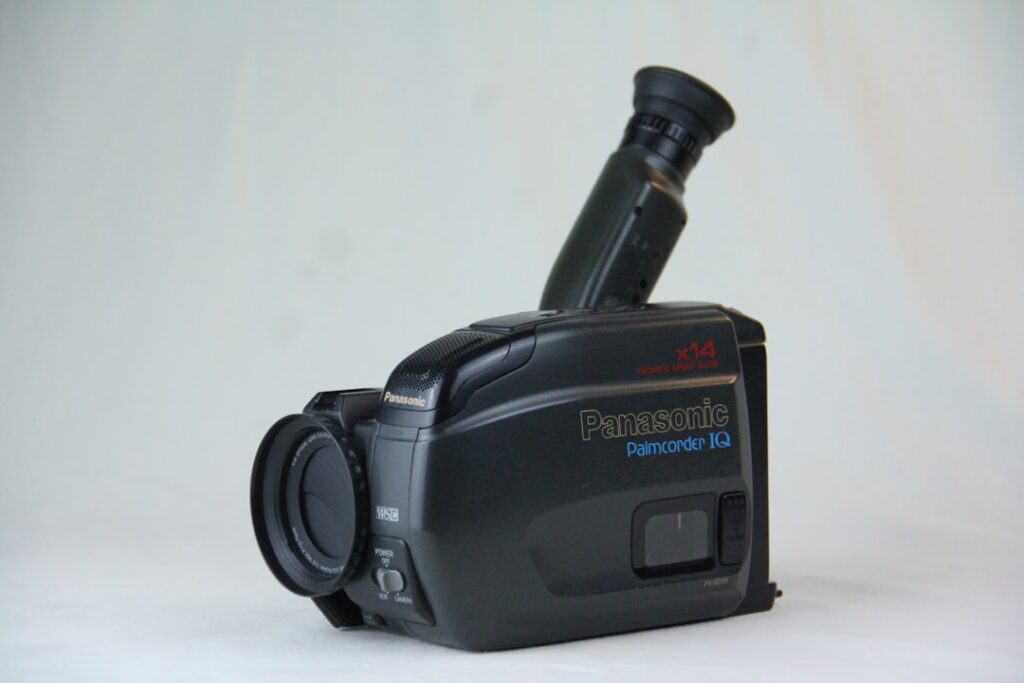
Effectively every thermal camera sold today is a digital thermal camera — the term distinguishes current equipment from older analog video-based thermal imaging systems still occasionally encountered in industrial settings. The digital workflow has reshaped what residential and inspection use looks like. This guide covers what “digital” actually means in this category, what the digital workflow enables, and how to evaluate the resulting capability set. References include energy.gov guidance on home thermal imaging, ASHRAE technical resources on building diagnostics, and InterNACHI’s thermography standard of practice.
Part of our Thermal Imaging for Homes guide — start there for the full picture →
What “digital thermal camera” actually means
Three things are digital in a modern thermal camera. First, the sensor itself — a microbolometer array reads each pixel’s resistance change and converts it to a digital value on the image processor. Second, the image data — temperature measurements are stored as numeric data, not as a video signal. Third, the workflow — images are reviewed, analyzed, annotated, and reported through software rather than printed or recorded to videotape.
The older analog generation of thermal cameras stored data on video tape or analog film, which limited post-processing options and made quantitative analysis cumbersome. Digital sensors and storage opened up everything from in-camera region-of-interest measurements to post-capture palette adjustments and structured reporting software.
What the digital workflow enables
Radiometric image files
Modern digital thermal cameras save images in a proprietary format that preserves both the visual representation and the underlying temperature data for every pixel. Opening these files in the manufacturer’s analysis software lets a user adjust the color palette, change the temperature scale, measure new regions of interest, and document findings after the imaging session. Exporting to standard JPEG strips this underlying data and loses the option.
In-camera measurement and analysis
Spot temperature, area maxima and minima, isotherm overlays, alarm thresholds, and emissivity adjustment all run on the camera’s processor while imaging. Better cameras include sketching, voice notes, and image tagging to streamline documentation.
Software-driven reporting
Inspector-oriented thermal cameras come with desktop or cloud software that organizes images, links them to inspection items, and produces client-ready reports. The quality of this software ecosystem often matters as much as the camera itself for working professionals.
Connectivity
Most current units include Wi-Fi or Bluetooth for image transfer to a phone or laptop. Mobile apps let inspectors review images in real time on a larger screen during the inspection.
Sensor specifications: what to read carefully
The headline specifications for any digital thermal camera reduce to a handful of numbers and what they mean for practical use.
Resolution
Width by height pixel count of the sensor array. Each pixel is an individual temperature measurement. Higher resolution resolves finer detail at the same distance. Entry-level units run 160×120, mid-tier units 256×192 to 320×240, professional units 384×288 to 640×480 and beyond.
Thermal sensitivity (NETD)
Expressed in millikelvin. Lower numbers are better. Consumer-class cameras typically specify under 100 mK. Professional units often achieve under 40 mK. Sensitivity affects the camera’s ability to resolve subtle envelope defects and small moisture patterns when temperature differentials are modest.
Field of view
The angular extent the camera sees in a single frame. Wider fields capture more scene per frame; narrower fields put more pixels on distant objects. Most residential cameras come with a moderate field of view appropriate for indoor work.
Frame rate
Consumer-class cameras are capped at 9 Hz under U.S. export regulations on higher frame rates. This is adequate for static imaging but limits some specialized applications.
Temperature accuracy
Specified as plus or minus a fixed value or a percentage of reading, whichever is greater. Consumer-class accuracy typically runs plus or minus two to five degrees Celsius under ideal conditions.
Visual-light camera integration
Most current digital thermal cameras include a separate visible-light camera alongside the thermal sensor. The two streams combine through software-defined overlays — most commonly the “MSX” branded approach FLIR popularized, where edge detail from the visible image is superimposed on the thermal palette. The result is a hybrid image that retains thermal data while looking more like the real scene.
MSX-style overlays help interpretation but do not add real thermal data. Two cameras with the same thermal sensor and different visible-light overlay implementations produce different-looking images of the same scene. The thermal data is the same.
What “digital” doesn’t fix
Digital workflow improves analysis, storage, and reporting. It does not fix the underlying physics of thermal imaging.
Emissivity assumptions
The camera assumes a specific emissivity value (usually 0.95) when calculating apparent temperature. Surfaces with very different emissivity — bare metal, glass, glossy paint — produce inaccurate readings unless the user adjusts the emissivity setting or interprets the image accordingly.
Reflected temperature
Low-emissivity surfaces reflect infrared radiation. The camera reads the reflected source, not the surface itself. Digital processing cannot reliably correct for this — the user must recognize and interpret it.
Sun loading and thermal mass
Exterior surfaces heated by sunlight, walls storing heat from earlier in the day, and other thermal mass effects produce misleading patterns. Imaging time and conditions matter.
Resolution limits
No amount of processing turns a 160×120 sensor into a 640×480 sensor. Image quality features are useful but do not substitute for sensor capability.
Categories of digital thermal cameras
Smartphone attachments
USB-C or Lightning modules that use the phone for display and processing. Entry-level digital thermal imaging. Convenient for casual homeowner use.
Compact standalone units
Self-contained handhelds with integrated display and battery, typically 160×120 to 256×192 resolution. Suitable for active homeowner use and entry-level DIY contractor work.
Mid-tier pistol-grip units
Larger devices with better ergonomics, longer battery life, higher resolution (256×192 to 384×288), and more capable software. The starting point for serious inspection use.
Professional-tier cameras
640×480 resolution and higher, advanced imaging modes, integrated visible-light cameras with overlay, comprehensive reporting software ecosystems. The working equipment of full-time home inspectors and building envelope specialists.
Our overview at high definition thermal imager covers the upper tiers in more detail, and the home inspection tools pillar connects related categories.
How digital workflow compares with film and analog thermal
Older thermal imaging systems recorded analog video signals or used Polaroid-style film printers to produce single-frame thermal images. The analog approach worked for real-time visualization but limited what users could do with the data afterward. Adjusting palette, recalculating regions of interest, or annotating findings required either re-imaging the scene or working with degraded printed copies. Documentation was bulky and unsearchable.
Digital workflow eliminated each limitation. Files are searchable and indexable. Palettes are software-adjustable after capture. Regions of interest are re-calculable. Annotations attach to image metadata rather than to printed copies. Reports generate automatically from structured data. For inspectors and contractors who deliver written reports, the digital workflow productivity gain is substantial — a job that took a day of paperwork with the old approach completes in an hour with current software.
Working with digital thermal image files
Storage and organization
Inspection days produce hundreds of thermal images. Organizing them by property, by room, and by finding category is essential for usable documentation. Most manufacturer software provides metadata tagging to support this.
Analysis software
The camera maker’s desktop or cloud application is the standard tool. Third-party radiometric analysis tools exist but compatibility varies. Working professionals often standardize on a single manufacturer’s ecosystem to keep the workflow consistent.
Sharing
Reports for clients typically include both thermal and visible-light images for context. Radiometric originals are kept by the inspector for reference and potential re-analysis.
Connectivity options in current cameras
Wi-Fi, Bluetooth, and direct USB connections to phones and laptops have become standard on mid-tier and professional cameras. The practical effect is real-time review of images on larger screens during inspection, automatic backup to cloud or local storage, and immediate sharing of findings with clients or colleagues. Some manufacturers offer companion mobile apps that turn a phone into a remote viewfinder or a control surface for the camera.
Entry-level smartphone attachments depend entirely on the host phone for connectivity and processing. Mid-tier standalone units have onboard connectivity that operates independently. Professional cameras often support multiple simultaneous connections — direct streaming to a tablet for client viewing while saving radiometric files internally and uploading thumbnails to a cloud service. The connectivity story has improved substantially over the past five years and continues to evolve.
Storage capacity and image management
A working inspection day produces hundreds of thermal images. Onboard storage on mid-tier cameras typically holds several thousand images before needing to offload. Professional cameras often support removable storage — SD cards or similar — that simplifies daily backup. Cloud-based workflows automate the offload during or after each inspection. None of this is automatic on entry-level smartphone attachments, which generally rely on the host phone’s storage and the user’s discipline about backup.
Calibration in the digital era
Digital thermal cameras still drift over time. Annual calibration verification by the manufacturer or an authorized lab keeps the instrument within published accuracy specifications. The digital workflow includes the calibration certificate as part of the documentation package — important for professional work where the inspector may need to demonstrate that the camera was within spec at the time of imaging.
Casual homeowner use does not require formal calibration but does benefit from periodic verification against a reference temperature source — boiling water, ice water, or a calibrated reference target.
Realistic expectations from a digital thermal camera
A modern digital thermal camera in capable hands can identify envelope defects, locate air leaks, screen for hidden moisture, document electrical hot spots, and produce inspector-grade reports. It cannot see through walls, measure moisture content directly, or substitute for traditional inspection methods. Realistic expectations and good interpretation produce useful results.
For homeowners considering equipment purchase, our reference at home thermal camera walks through the homeowner buyer decision in more detail.
References
- ENERGY STAR: Seal and Insulate — U.S. Environmental Protection Agency (ENERGY STAR)
- Standards and Guidelines — ASHRAE
- Infrared Thermography Standards of Practice — InterNACHI
- International Code Council I-Codes — ICC
Frequently asked questions
What makes a thermal camera 'digital'?
The sensor, the storage, and the workflow. Modern thermal cameras read sensor data digitally, store images as radiometric files preserving temperature data per pixel, and process images through software for analysis and reporting. Older analog systems lacked these capabilities.
What is MSX or visible-light overlay?
A processing feature that adds edge detail from a visible-light camera to the thermal image. The result is easier to interpret but does not add real thermal data. Two cameras with the same thermal sensor and different overlay implementations produce different-looking images of the same scene.
How long do digital thermal images last?
The files do not degrade if stored properly. The radiometric format depends on the manufacturer's software ecosystem to open, so keeping the analysis software available matters as much as keeping the files. JPEG exports last indefinitely but lack the underlying temperature data.
Is annual calibration required?
Required for professional work where the inspector may need to demonstrate the camera was within spec. Not strictly required for casual homeowner use but periodic verification against a known reference temperature improves confidence in readings.
Thermal imaging cameras
Infrared cameras reveal hidden moisture, missing insulation, and air leaks. Phone-attachment models are the budget entry point; standalone units have higher resolution.
| Product | Why | Buy |
|---|---|---|
 FLIR ONE Pro (phone) FLIR ONE Pro (phone) | Plugs into iPhone/Android; inspector favorite. | Amazon — $349.00 |
 Topdon TC001 Topdon TC001 | High-res phone module at a low price. | Amazon — $249.00 |
 FLIR C5 Compact FLIR C5 Compact | Standalone pocket camera with Wi-Fi. | Amazon — $611.50 |